A lot of teams never chose Confluence.
It came with Jira, often at no extra cost, and it was easier to accept than to get budget approved for something else.
So Confluence became the wiki by default, and a broad one: pages, project spaces, whiteboards, databases, and now Rovo AI on top.
Years later, it holds thousands of pages, every Jira link points into it, and moving feels harder than living with it.
If you're reading this, you probably need one job done well that Confluence isn't doing.
For most teams that job is a knowledge base people trust: pages that are current, easy to find, and used by more than engineering.
Disclosure: Slite makes one of the tools on this list, and we put it first. Every entry, including ours, lists where it falls short, and there is a section on when staying on Confluence is the better call.
- Slite: for keeping knowledge accurate across teams
- Notion: for documents and projects in one workspace
- Microsoft SharePoint: if you already run on Microsoft 365
- Guru: for answer cards in support and sales tools
- Document360: for a customer-facing help center
- ONES: for a wiki next to requirements and delivery work
- Nuclino: for small teams that want speed and low cost
- GitBook: for developer and product documentation
- Archbee: for API documentation
- Featurebase: for moving customer-facing docs into your support tool
What changed at Confluence in 2026
Four changes matter before you decide whether to switch.
- Prices went up again. Atlassian raised Confluence Cloud prices on October 13, 2026 (Adaptavist). For teams of up to 100 users on monthly billing, Standard went from $6.70 to $7.15 per user and Premium from $13.20 to $14.10 (Atlassian pricing tables). The free plan still covers 10 users.
The list price is rarely what you pay, though: Atlassian Guard for security, Marketplace add-ons and per-seat billing stack on top, which is why many teams question whether staying makes economic sense, as this Atlassian community thread shows.
- Confluence now pitches context and fresh pages. Since late September 2026 the Confluence homepage leads with "Start with context, not from scratch", and a new section says status markers and automation flag stale pages (Confluence). If out-of-date pages are why you're leaving, check how much of that you would have to set up yourself.
- Data Center is ending. New Data Center subscriptions stopped on March 30, 2026, existing customers can buy until March 30, 2028, and all licenses expire on March 28, 2029 (The Register).
- Rovo AI now has a meter. Every paid plan includes a monthly credit allowance per user (25 on Standard, 70 on Premium, 150 on Enterprise), and usage beyond it is billed from December 3, 2026, while Rovo Search and summaries stay free (Empyra). So the question teams are asking is what they get for those credits: an answer is only worth paying for if the pages behind it are still right.
Why teams are leaving Confluence
Three reasons come up again and again.
Pages go out of date and search gets harder
In the last six months, 34 of 76 Confluence reviews on G2 and Capterra (45%) mention search, page sprawl, or outdated and duplicate pages.
One reviewer asked outright for "native stale-page detection" (G2), and another said it becomes a "digital graveyard" without strict standards (Capterra).
Past a few thousand pages, search struggles to surface the right document, and unless someone has set up status markers and automations, nothing warns you that four versions of the same onboarding guide are all live at once.
Confluence is a very smart tool and at the same time it is complex for new users. [...] whenever I tried searching for old files and folders it always got messy and took a lot of time.<br>Source: G2 review
This gets worse with AI on top.
When an assistant answers from pages nobody has checked in two years, it repeats old answers with more confidence.
If AI also writes new pages from those answers, the old mistakes get copied into fresh documents that the next answer reads.
The fix is a person who owns each page and confirms it is still right.
People outside engineering don't use it
Confluence works best next to Jira, which is why it got picked.
Finance, people and customer teams often keep their documents in Google Docs or Notion instead, and the wiki turns into an engineering archive.
Moving feels like too much work
Many teams feel Atlassian has stopped putting much care into Confluence, and the interface shows its age.
Many teams know there are better options, but thousands of pages and a free Jira bundle make switching something they have to fight for.
A planned Confluence migration is usually smaller than it looks: most of the work is deciding which pages are still worth moving.
Data Center end of life takes that choice away for self-hosted teams, who now have to move to Atlassian Cloud or something else.
Confluence alternatives at a glance
Prices are the lowest paid plan, per user per month on annual billing unless noted, checked on 2026-11-24.
| Tool | Best if you're leaving because of | Team size | Starting price | Free plan | Main downside |
|---|---|---|---|---|---|
| 1. Slite | Out-of-date pages, poor search, low adoption | Scaling companies | $10 | No (14-day trial) | Cloud only, no forms or databases |
| 2. Notion | Want documents and projects in one place | Any | $10 (Plus) | Yes | AI only on Business ($20), wikis get messy |
| 3. Microsoft SharePoint | Cost, already paying for Microsoft 365 | Mid-size to enterprise | $7 (Microsoft 365 Business Basic) | No | Hard to structure and search without admin work |
| 4. Guru | Support and sales teams need answers inside Zendesk or Salesforce | Mid-size to enterprise | $50K minimum | No | Sales only, cards rigid for long documents |
| 5. Document360 | Customer-facing help center | Support and product teams | Custom quote | No | No public pricing |
| 6. ONES | Want the wiki next to delivery work | Enterprise software teams | $98.50 per seat per year | Yes (30 seats) | Broad suite, more than a wiki |
| 7. Nuclino | Cost, want something fast and simple | Small | €6 | Yes (50 items) | Light permissions and governance |
| 8. GitBook | Developer and product documentation | Engineering teams | $65/site + $12/user | Yes (1 user) | Per-site pricing adds up for internal wikis |
| 9. Archbee | API and product documentation | Software teams | $49/month (whole team) | No (14-day trial) | Built for docs sites more than a company wiki |
| 10. Featurebase | Customer-facing docs that belong next to support | SaaS support and product teams | $29 per seat | Yes (1 seat) | Customer-facing, not an internal wiki |
How we picked these tools
We scored each tool on six things:
- Ease of use for people outside engineering
- Pricing you can see before a sales call
- Integrations with Slack, Jira, GitHub and Google Drive
- Real-time editing
- Search and AI quality
- How well it keeps pages current
Prices and plan limits were checked on 2026-11-24. Downsides come from each vendor's documentation, and recent G2 and Capterra reviews.
1. Slite: best for keeping company knowledge accurate across teams
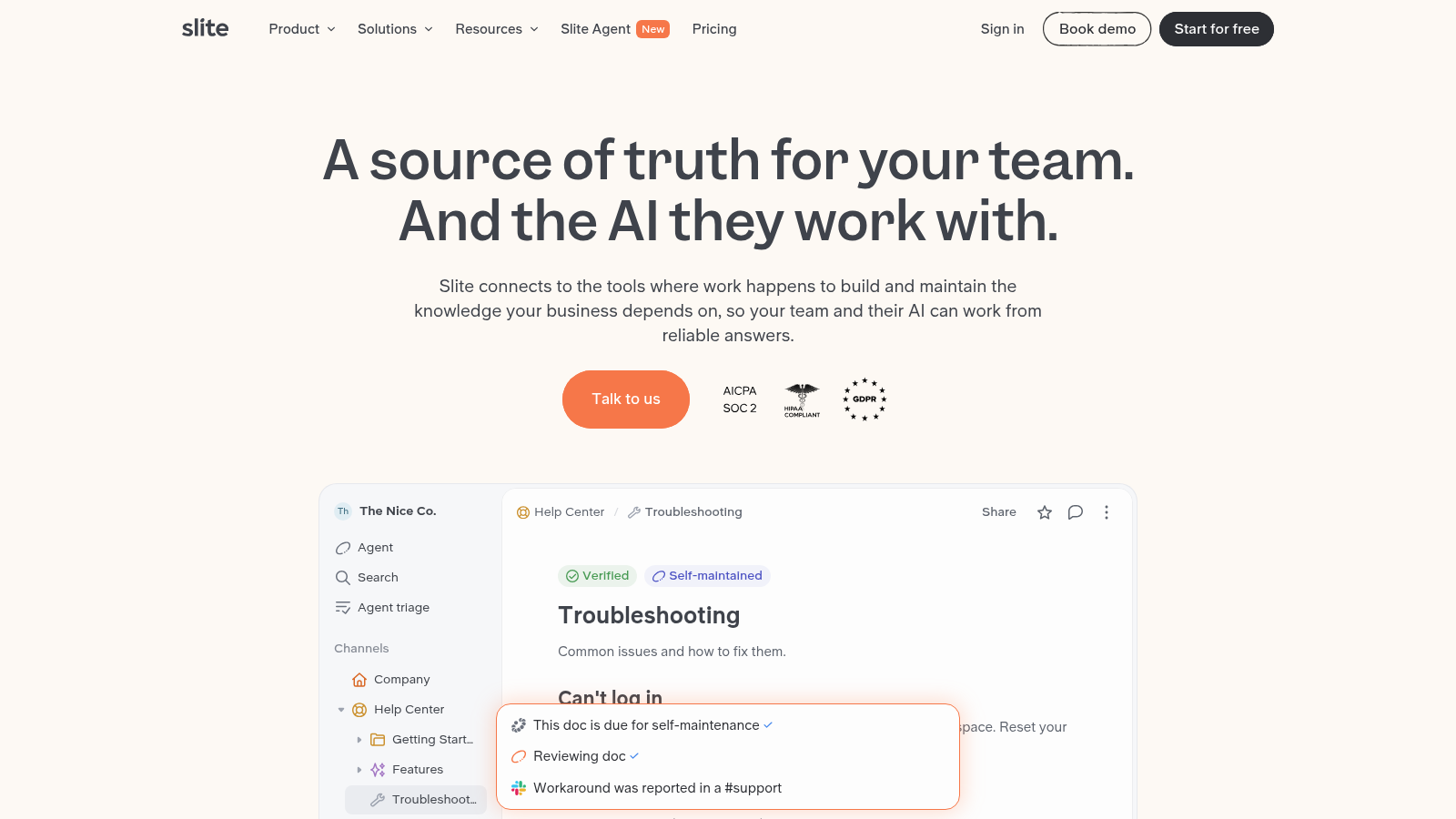
Slite is a self-maintaining knowledge base for your team and the AI tools they use.
It brings in what's scattered across your company's tools, flags documentation that is outdated, duplicated or contradictory, and Slite Agent proposes the fixes.
Many tools on this list now flag outdated pages, and some draft fixes. Slite does it across all your company's documentation, and a named owner approves every change.
The difference from Confluence is who keeps the knowledge right.
In Slite that is a defined role: every document can have an owner, and a maintainer approves changes before they land.
Verified knowledge, as a system
- Owners and a verification period. Each document gets an owner and a period after which it needs checking again.
- Reminders. Owners get a reminder 7 days and 1 day before verification expires.
- Flag outdated. Anyone reading a document can flag it as outdated, and the owner is told.
- Knowledge Management Panel. Filter all documentation by health to find outdated, unverified and empty documents in one view.
- Search ranking. Verified documents rank first in search and in Slite Agent's answers.
- Maintenance programs (early access). Slite Agent checks documentation against connected tools and opens change requests, and a maintainer approves every change before it is applied.
Other features
- Slite Agent: answers questions from your documentation and 100+ connected tools, with citations.
- Confluence import: a native migration tool brings spaces and pages across.
- MCP on every plan: Claude, ChatGPT and Cursor can search, edit and propose changes.
How Slite Agent compares to Rovo
Both answer questions from your documentation and connected tools, and both meter AI usage with credits.
The real difference is where the answers come from and who checks them.
Atlassian now sells Rovo's Teamwork Graph as a context engine and "organizational memory": a map of activity across your tools, such as who edited what and which issue links to which page.
Slite builds answers from accurate, verified knowledge: documents that are regularly fact-checked against your company's connected tools and confirmed by a named owner.
| Rovo | Slite Agent | |
|---|---|---|
| Answers built from | Teamwork Graph: pages, issues and activity across connected tools | Your documentation and connected tools, with verified documents ranked first |
| Who keeps pages correct | Page authors, or admins who set up automations | A named owner per document, and a maintainer who approves every change request |
| Finding out-of-date pages | Admin-configured automations, or when someone points it at a page | Flags documentation that conflicts with changes in connected tools (Slack, GitHub, Linear, Intercom) |
| Scope | Pages you target or that Rovo created | The whole knowledge base, shown in the Knowledge Management Panel |
For a deeper look at Rovo on its own, read our Atlassian Rovo AI review.
Where Slite is not the right fit
- You need forms. Slite has no form builder.
- You need relational databases. Collections have properties, but no relations between databases.
- You need a free plan. Slite has a 14-day trial, then paid plans only.
- You need on-premise deployment. Slite is cloud only, so look at the self-hosted options below.
Pricing
- Basic: $10/user/month billed yearly ($12 monthly). AI search across Slite documents, verification, MCP.
- Pro: $20/user/month billed yearly ($25 monthly). Adds Slite Agent, search across connected tools and proposed fixes.
- Enterprise: custom quote.
- 14-day free trial, no credit card.
2. Notion: best for one workspace for documents and projects
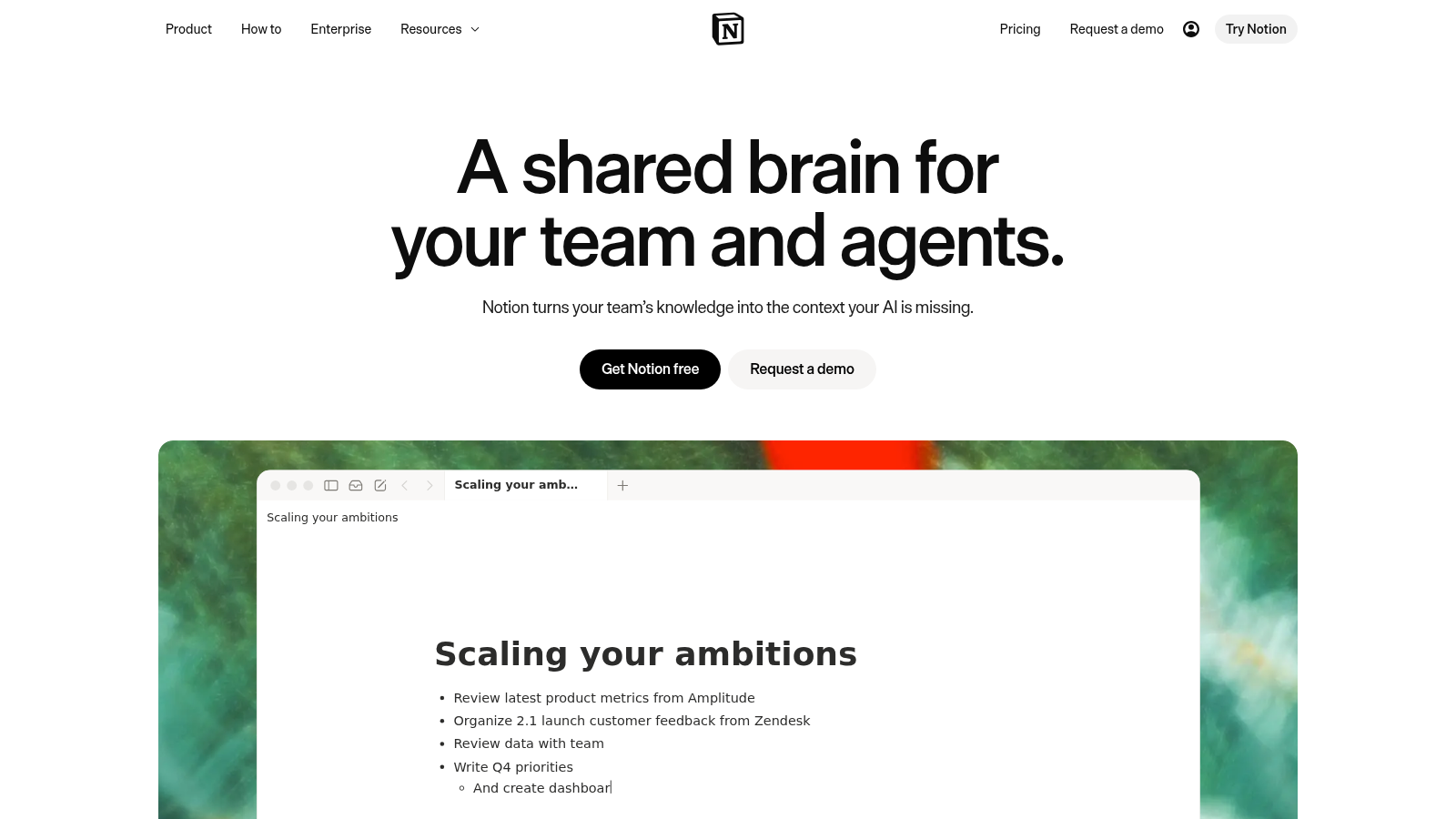
Notion is an all-in-one workspace for documents, wikis, databases and projects.
Teams that left Confluence because other departments wouldn't open it often land here, since the editor is easy to pick up.
Notion now pitches itself as "a shared brain for your team and agents", the context your AI tools read from.
That context is everything in the workspace, from documents and wikis to meeting notes and project pages.
AI is a growing part of it: in November 2026, Notion's CEO said about half of the pages in Notion are now created by agents (Notion), which could be a downside if your team isn't good at controlling its AI output.
Why it beats Confluence
- Non-engineers actually use it, which fixes the adoption problem many Confluence teams have.
- Pages and databases cover wikis, roadmaps and trackers, and synced databases pull in Jira issues.
- Notion Agents can run long tasks and connect to 150+ tools through MCP.
- Large template gallery and community.
Where it's weak
- Knowledge sits next to projects and databases, so the wiki gets messy without strict structure.
- No owner-based verification on lower plans, so pages go out of date quietly, the same problem you're leaving.
- Notion AI is included only from the Business plan up. Free and Plus get a trial.
Pricing (checked on 2026-11-24): free plan; Plus $10 and Business $20 per member per month billed annually ($12 and $24 monthly).
Our Confluence vs Notion comparison goes deeper.
3. Microsoft SharePoint: best if your company already runs on Microsoft 365
SharePoint is Microsoft's intranet and document platform, bundled with most Microsoft 365 business plans.
It is on this list for the same reason Confluence got picked: you may already be paying for it.
Why it beats Confluence
- No new license if you're on Microsoft 365, and Teams, OneDrive and Office are built in.
- Strong permissions, retention and compliance controls, which regulated companies need.
- Microsoft now sells SharePoint as the knowledge platform behind Copilot and its agents, and Copilot in SharePoint became generally available in September 2026.
- AI features flag outdated pages, broken links and gaps in content.
Where it's weak
- It is a file store first. For example, regulated companies often keep long product manuals as PDFs in SharePoint, so every update means editing in Word, exporting a PDF and uploading it again. For many teams, that means getting lost in the documents.
- Flagging a stale page still leaves someone to rewrite it, often in Word.
- Building a usable wiki takes admin work on site structure, navigation and search, and many teams add a Copilot agent on top to find anything.
- Adoption is the recurring complaint: many teams that already pay for it still look for something else for their documentation.
Pricing: included in Microsoft 365 business plans, from $7 per user per month paid yearly for Microsoft 365 Business Basic, or $5.40 without Teams. Business Standard with Copilot is $23.50.
More detail in our SharePoint alternatives guide.
4. Guru: best for support and sales teams that want answer cards in their tools

Guru stores knowledge as short cards with owners and verification dates, and puts them in front of people inside Slack, the browser, Zendesk and Salesforce.
It fits support and sales teams who need quick answers while they work more than a company-wide wiki.
Guru now sells itself as a governed knowledge layer for enterprise AI, and since January 2026 its agents can also verify content that lives in Confluence, SharePoint and Google Drive.
Guru's agents verify or hide content against rules an admin writes, while Slite drafts the fix and keeps a named owner and a maintainer who approves every change.
Why it beats Confluence
- Verification is built into every card, so stale answers show up as overdue instead of quietly lingering.
- The browser extension brings answers into support and CRM tools, so agents don't have to open a wiki.
- AI answers pull from Guru cards and connected sources, and you can keep Confluence and let Guru flag what's stale in it.
Where it's weak
- The card format is rigid for long process documents and specs, so many teams keep a second wiki next to it.
- Guru doesn't publish prices and asks for a $50K minimum just to get a demo, so small and mid-size teams are priced out.
Pricing: sales only, $50K minimum.
More detail in our Slite vs Guru comparison and our Guru alternatives guide.
5. Document360: best for a customer-facing help center
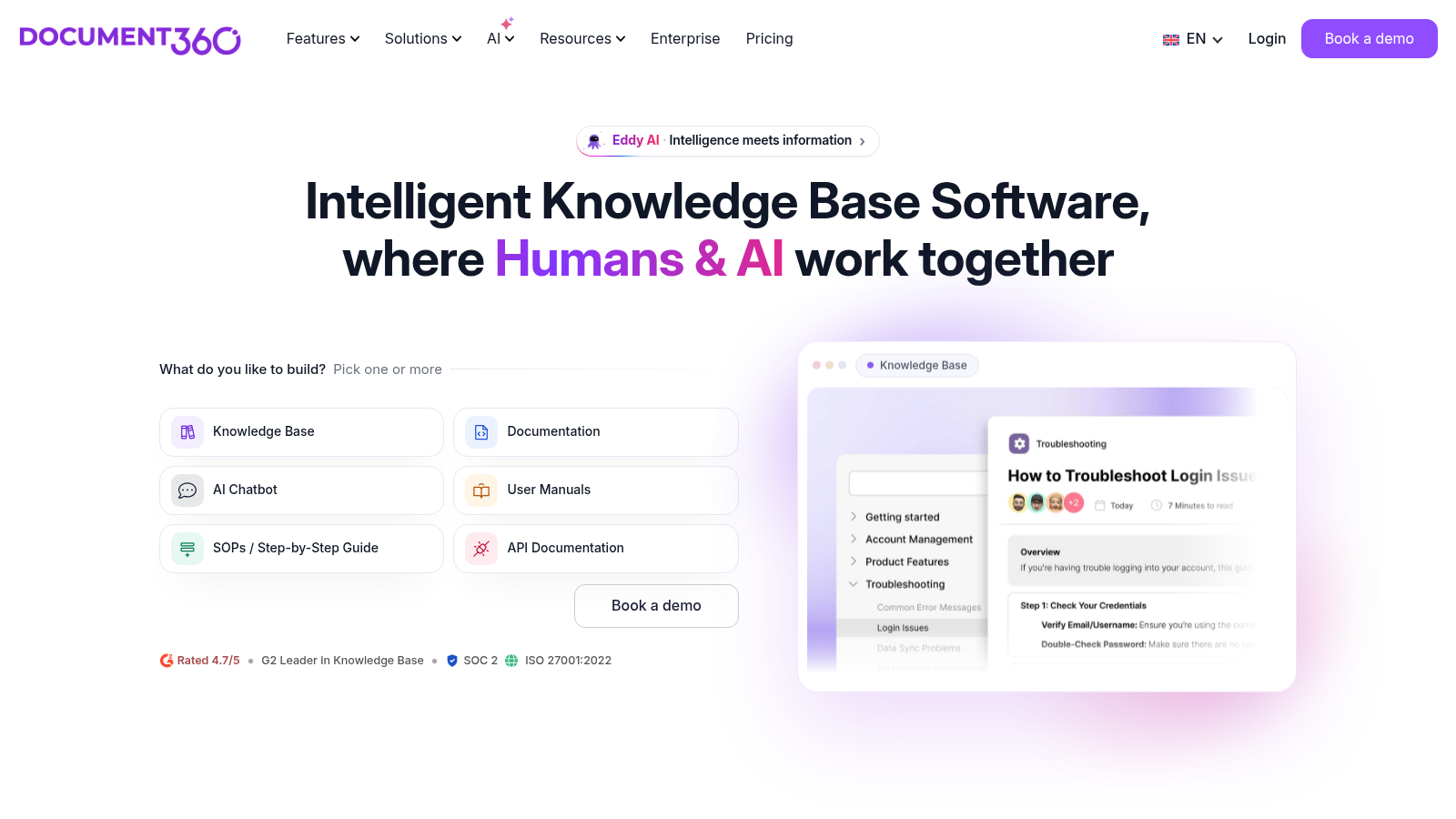
Document360 is a knowledge base platform for publishing structured documentation to customers, partners or employees.
It is built for teams whose main audience reads documentation rather than writes it.
Document360 now describes itself as a knowledge base "where humans and AI work together".
In practice, that means AI helps write and check articles, an AI chatbot answers readers from your published content, and an MCP server lets AI tools publish and run review workflows.
Recent updates added collaborative editing, article archiving, duplicate content detection and an ambiguity check that flags unclear wording before it reaches customers.
Why it beats Confluence
- Categories, versions and approval workflows, so every article goes through review before customers see it.
- Multilingual publishing with translation built in.
- Eddy AI for search with cited answers, writing help and a reader chatbot.
- Analytics on what readers search for and don't find, so you know which articles to write next.
- Separate internal and public knowledge bases from one account.
Where it's weak
- No public pricing. Plans are quoted based on your setup.
- More structure than most internal teams need for a company wiki.
- The editor and settings take time to learn for occasional writers.
Pricing (checked on 2026-11-24): custom quote.
6. ONES: best for enterprise teams that want their wiki next to delivery work
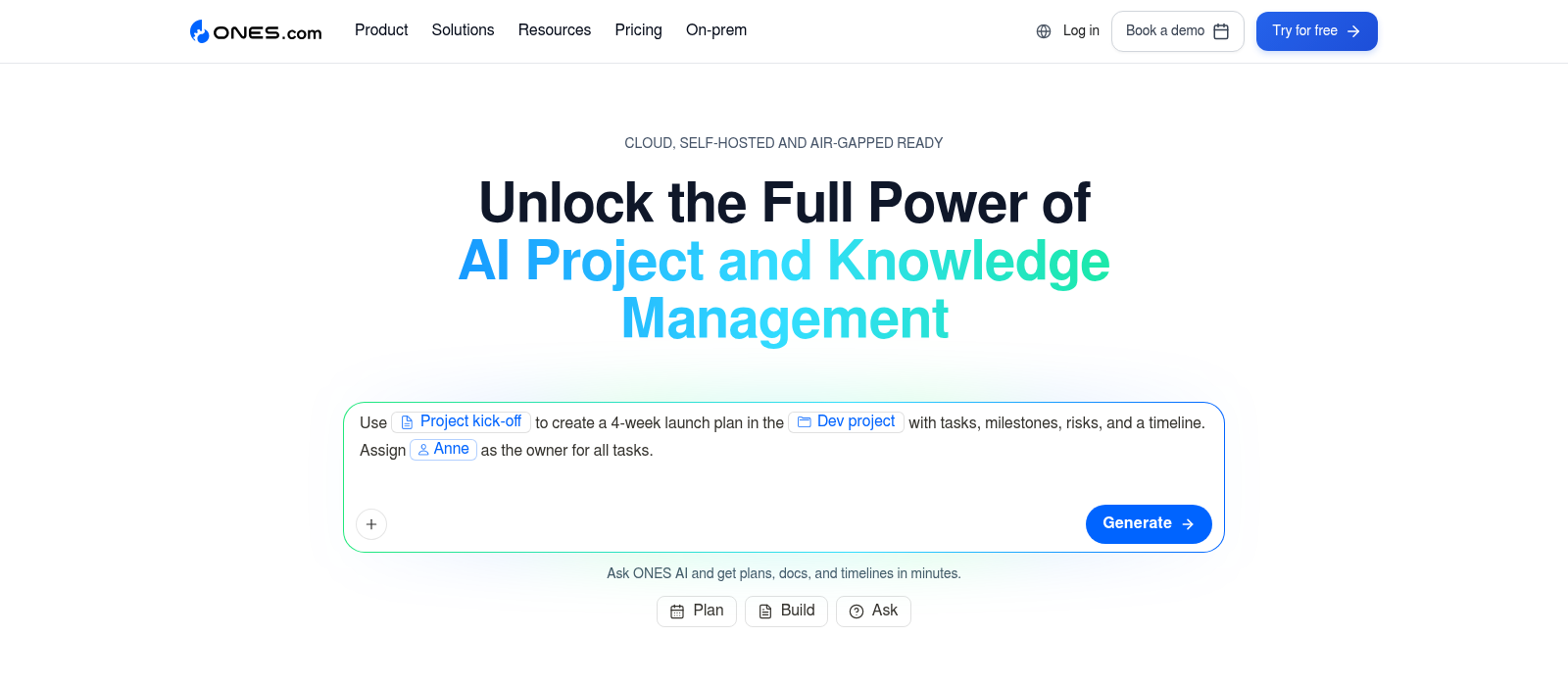
ONES puts a wiki, project tracking, requirements and testing in one workspace.
For software organizations used to Confluence plus Jira, it is the same pairing in one product, and ONES markets it that way: after Atlassian's October 2026 price rise it pitched itself as the lower-cost replacement for both.
Why it beats Confluence
- Documentation stays linked to the requirements, tasks and test cases it describes, without a Marketplace add-on.
- Traceability from requirement to delivery across many projects, which PMOs ask for.
- Cloud, private cloud, on-premise and air-gapped deployment, which matters for Data Center teams that must stay self-hosted.
- Built-in Jira and Confluence migration.
- ONES Assistant and an MCP server (listed in Claude and ChatGPT) connect AI tools to projects, wikis and worklogs.
Where it's weak
- It is a broad suite, so a team that only wants a wiki pays for modules it won't use.
- Setting up workflows, fields and approvals takes time, much like configuring Jira.
Pricing (checked on 2026-11-24): free for up to 30 seats; Standard $98.50, Business $172 and Enterprise $258 per seat per year, billed annually.
7. Nuclino: best for small teams that want speed and low cost
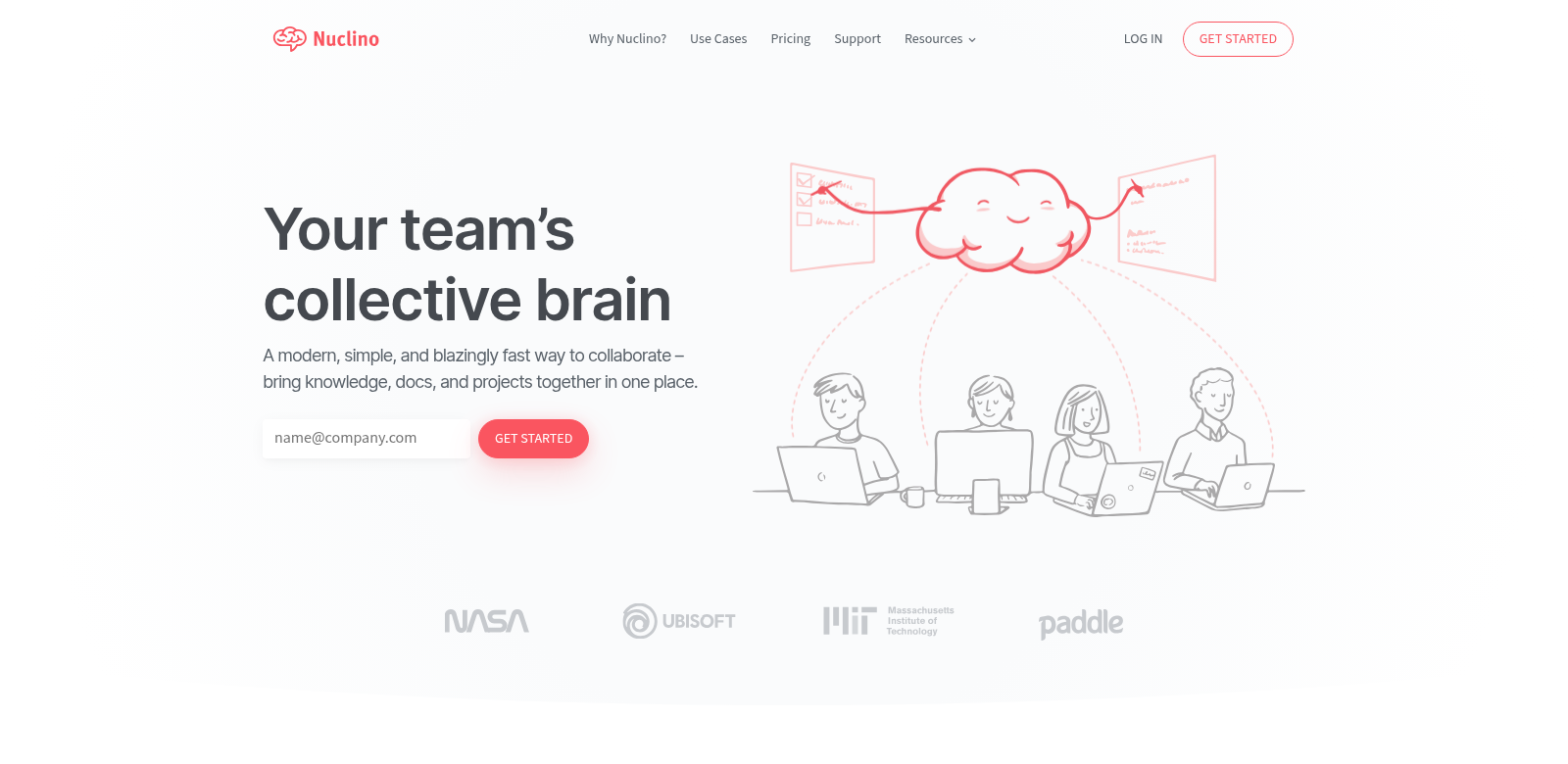
Nuclino is a lightweight workspace for notes, documents and simple projects.
It is fast and cheap, and it does little beyond that on purpose, though it still ships steadily (MCP and API updates in July 2026).
Why it beats Confluence
- Very fast editor and search, with no setup.
- Board, list and graph views on the same content.
- A low price per user, and an MCP server for AI tools.
Where it's weak
- The free plan caps at 50 items, and Starter keeps 30 days of version history.
- Light permissions and no verification workflow, which starts to hurt as the team grows.
Pricing (checked on 2026-11-24): free plan with 50 items; Starter €6 and Business €10 per user per month billed yearly (up to 25% off monthly). AI (Sidekick) is on Business.
8. GitBook: best for developer and product documentation
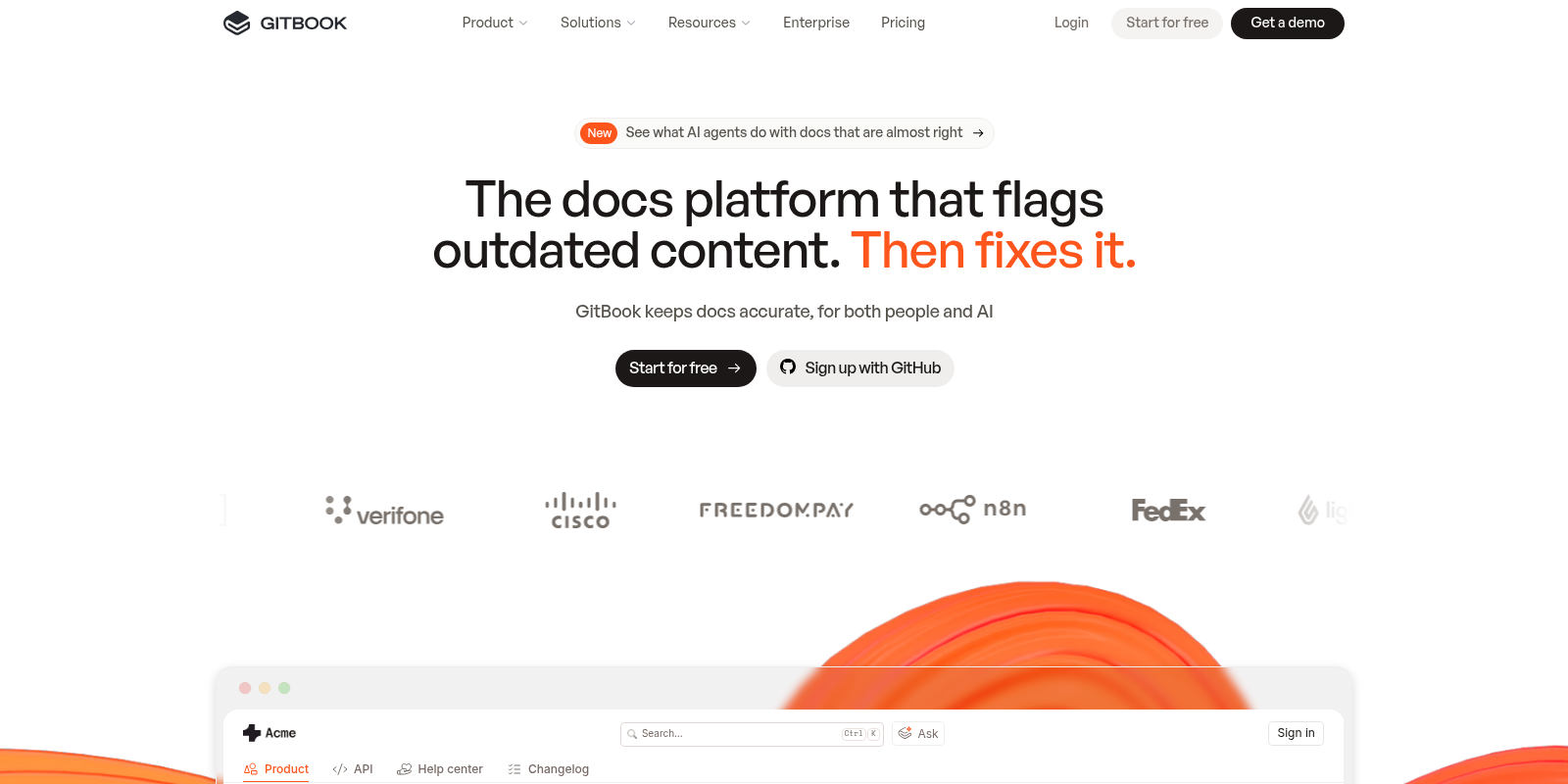
GitBook is a documentation platform with Git sync, used for public product and API docs and for internal engineering knowledge.
Why it beats Confluence
- Two-way Git sync, so docs live next to code and go through the same review.
- Polished publishing for public docs sites.
- GitBook Agent flags content that no longer matches your product, suggests reviewers and fixes broken links.
- GitBook AI answers questions from your docs, and you can limit who it answers for.
Where it's weak
- A per-site fee on top of per-user pricing adds up for internal wikis.
- Less suited to non-technical teams' documents, and its freshness checks are built around product releases, not HR or finance policies.
Pricing (checked on 2026-11-24): free for 1 user; Essential $65 per site per month plus $12 per user per month billed annually ($79 and $15 monthly).
9. Archbee: best for API documentation
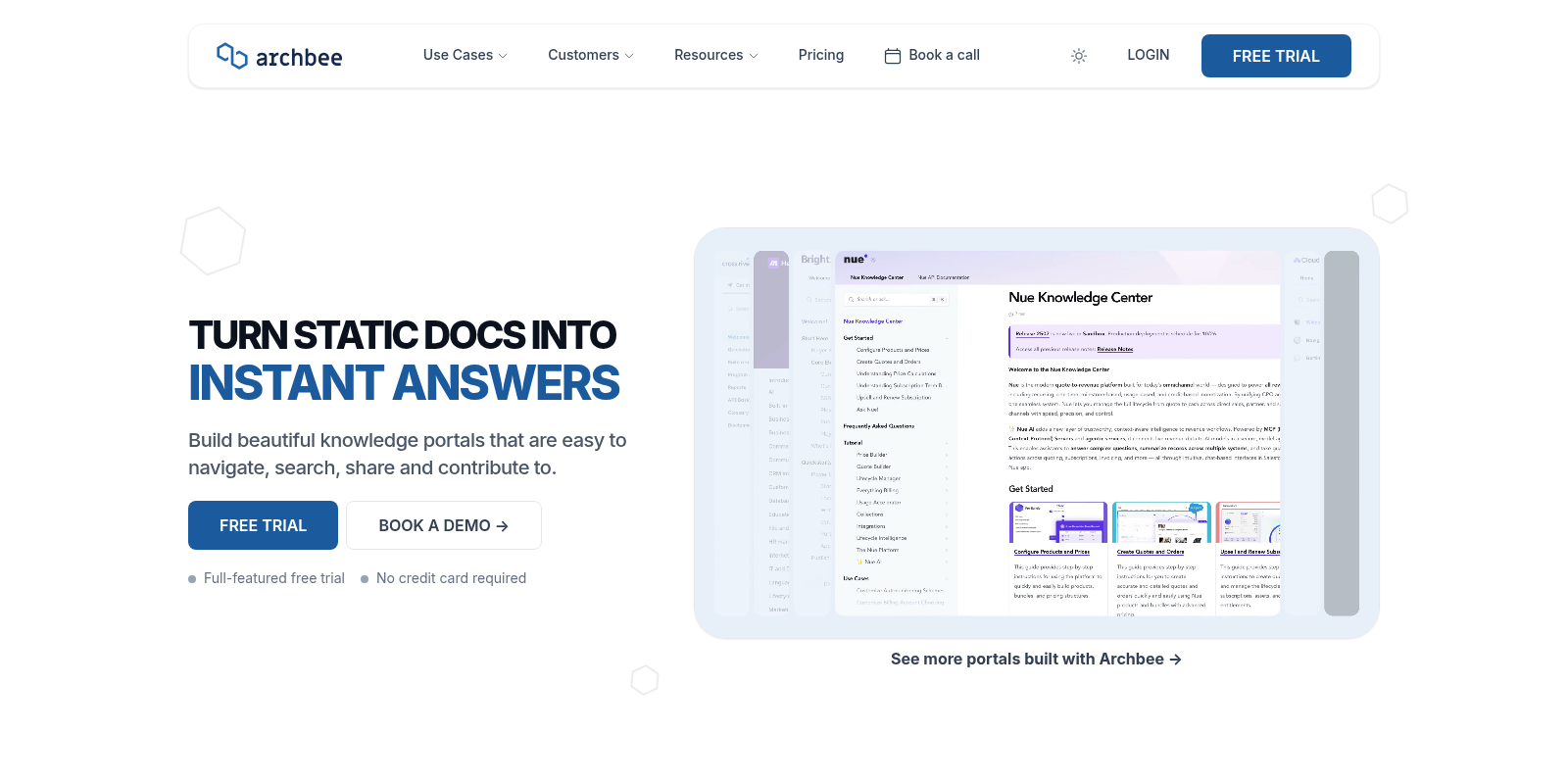
Archbee now calls itself a knowledge portal: customer and technical docs that answer questions with AI.
It sits between a developer docs tool and a team wiki, and it suits product teams who write both.
Why it beats Confluence
- API references generated from OpenAPI files, with interactive "try it" calls, which Confluence needs add-ons for.
- Code blocks with syntax highlighting, reusable content blocks and versioning for each release.
- Custom domains and branding for public docs sites, plus private docs for internal teams in the same workspace.
- A writer agent for bulk edits and scheduled AI updates, which a reviewer approves before they go live.
- An Ask AI bot, llms.txt and Markdown responses so AI tools can read your docs.
Where it's weak
- Built for published docs sites more than a company-wide wiki, so HR or finance documents feel out of place.
- Plans are priced per workspace, and extra team members cost more on top.
- A smaller company with fewer integrations than larger tools.
Pricing (checked on 2026-11-24): 14-day trial; Growing from $49 per month and Scaling from $199 per month, billed monthly or annually; readers are free, extra team members are charged.
10. Featurebase: best for moving customer-facing docs into your support tool
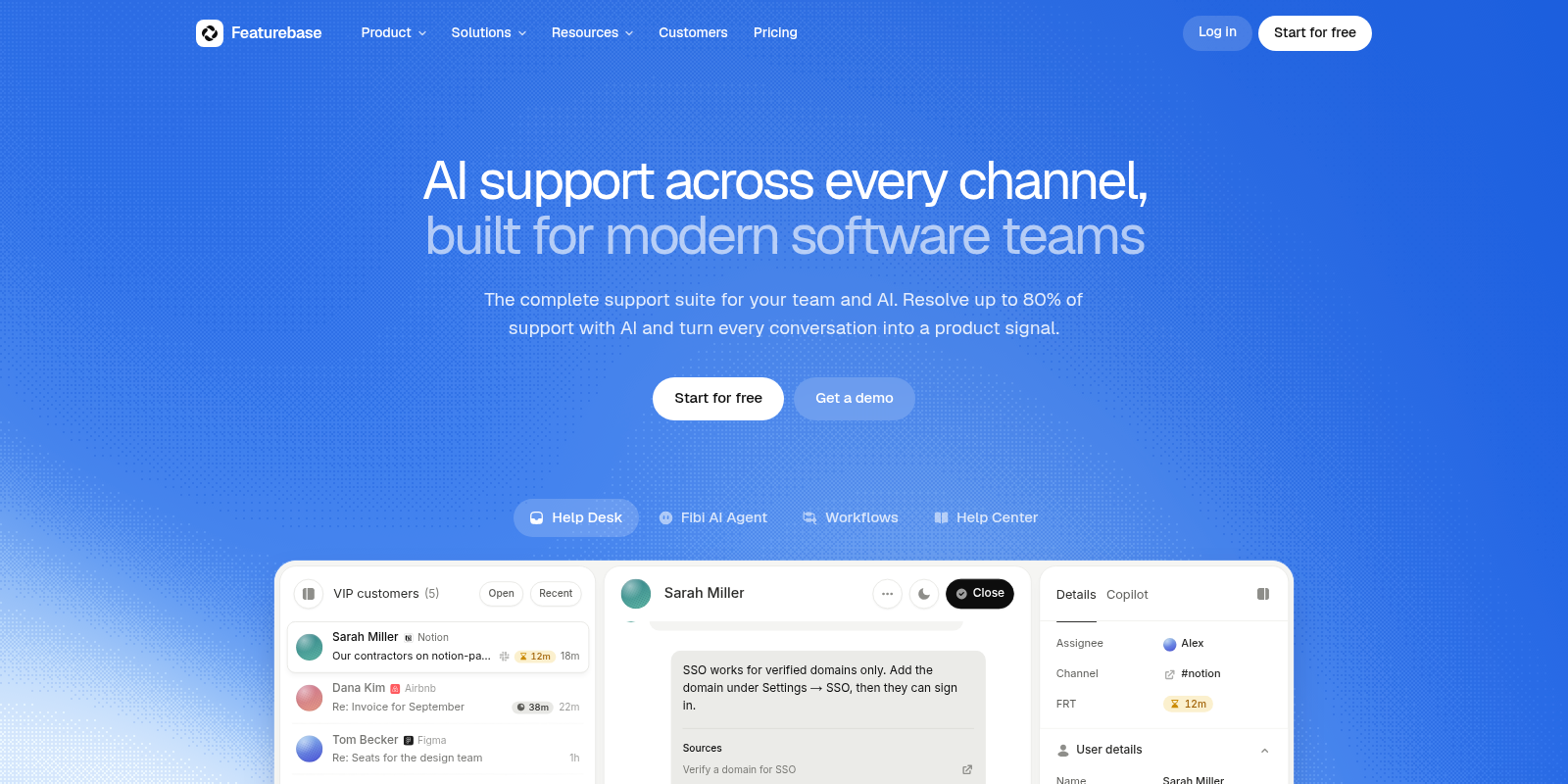
Featurebase is an AI support platform: a help desk for chat, email and Slack, an AI agent called Fibi, and a customer portal with a help center and API docs.
It fits teams whose Confluence holds customer-facing material, like help articles and API docs, that belongs next to support instead of in the internal wiki.
Why it beats Confluence
- Help center and API docs (with OpenAPI import) in one customer portal, redesigned in October 2026.
- Fibi answers customers from that same content, with source links, so docs and support answers stay in one place.
- Docs live next to the support inbox, so the team that hears the questions can update the answers.
- Integrations with Slack, Linear, Jira, Salesforce and HubSpot.
Where it's weak
- A support platform first, so it does not replace an internal company wiki.
- Teams that only need docs pay for help desk, campaigns and feedback tools they won't use.
Pricing (checked on 2026-11-24): free plan with 1 seat; Growth $29, Professional $59 and Enterprise $99 per seat per month billed annually.
Self-hosted Confluence alternatives
If Data Center end of life means you need to keep your wiki on your own servers, look at open-source tools.
Here is a short list from our open source knowledge base guide:
- XWiki is an extensible enterprise wiki with strong access controls and a Confluence migrator.
- BookStack is a free, book-and-chapter-shaped wiki with a clean interface and a low setup bar.
- Outline is a fast, modern wiki with a free self-hosted Community Edition.
- Wiki.js is a Node.js wiki with Markdown editing and Git sync.
Self-hosting means you own upgrades, authentication and backups.
Weigh the license savings against that work before you commit.
When to stay on Confluence
Stay on Confluence if most of these are true:
- Your engineering team lives in Jira and wants pages linked to issues.
- You're already on Atlassian Cloud, and the Rovo credit allowance covers your AI use.
- You depend on Marketplace apps with no equivalent elsewhere.
- Your pages have owners who keep them current, and search works well enough.
Moving thousands of pages is real work.
If the main pain is out-of-date pages, fixing ownership and review cycles inside Confluence may cost less than a migration.
Migrating from Confluence: a short checklist
Test your hardest pages first in any Confluence migration: large tables, macros, heavy attachments and restricted pages.
| Step | What to do |
|---|---|
| 1. Audit | Export a list of every page with its last-edited date and owner. |
| 2. Sort active from archive | Move pages people still use first. Archive the rest as a read-only export. |
| 3. Pick the tool | Judge it on search, adoption outside engineering, integrations and price. |
| 4. Export | Use the XML space export for full fidelity, or the REST API for scripted moves. |
| 5. Rebuild the structure | Flatten deep page trees instead of copying them one to one. |
| 6. Set a cut-off date | Give everyone a week of read-only Confluence access, then switch it off. |
Which Confluence alternative should you pick?
Start with the job Confluence isn't doing for you, not with the longest feature list.
If your pages go out of date and people stop trusting search, pick a tool where every document has an owner and gets checked against what changed in your other tools.
That is what Slite is built for.
If you already pay for Microsoft 365, test SharePoint before you buy anything new.
If you write developer or customer docs, GitBook, Archbee or Document360 will serve you better than any wiki.
If you have to stay on your own servers after Data Center, go open source.
And if Confluence still works for your team, fix ownership inside it before you plan a migration.
FAQ
Is Confluence being discontinued?
No, Confluence Cloud is actively developed, but the self-hosted versions are ending: Confluence Server reached end of life in February 2024, Data Center stopped selling new subscriptions on March 30, 2026, and all Data Center licenses expire on March 28, 2029, so self-hosted teams must move to Cloud or another tool.
What is replacing Confluence?
For company wikis, teams most often move to Slite, Notion or SharePoint, for developer documentation to GitBook or Archbee, for customer help centers to Document360 or Featurebase, and for self-hosting after Data Center to XWiki, BookStack or Outline, so the right pick depends on why you're leaving.
What is the best free alternative to Confluence?
BookStack and XWiki are free to self-host and Outline has a free self-hosted Community Edition, while among hosted tools Notion, Nuclino, ONES and GitBook have free plans with limits on users, items or AI.
What is Google's equivalent to Confluence?
Google doesn't ship one, so teams on Google Workspace combine Docs, Drive and Sites, or add a dedicated company wiki that connects to Drive.
Does Confluence include AI?
Yes, Rovo is included in every paid Confluence Cloud plan with a monthly credit allowance per user (25 on Standard, 70 on Premium, 150 on Enterprise), usage beyond that allowance is billed from December 3, 2026, and Rovo Search stays free.